


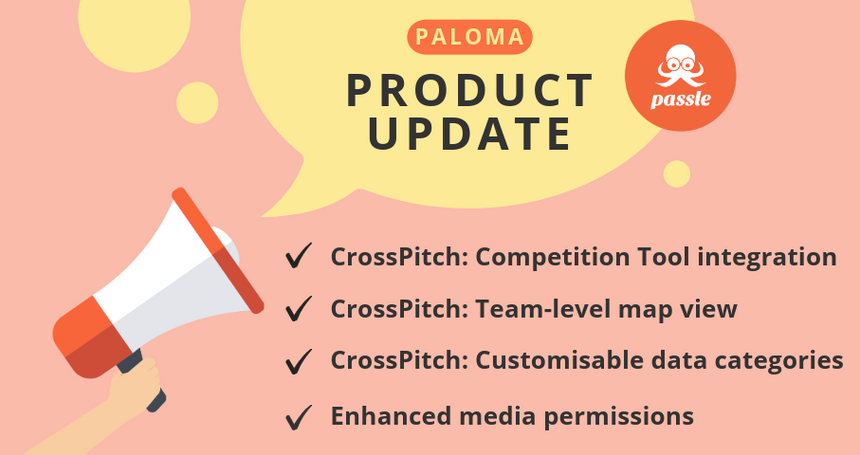



Our latest sprint is named after the cocktail, 'Paloma'. In this sprint we've added CrossPitch features into the Competition Tool, giving teams a way to gamify CrossPitch adoption alongside their existing content activity. You'll also find a range of enhancements to CrossPitch data configuration, media permissions, and admin flows.
Here is an overview of our new features and enhancements
Competition Tool: Now supports CrossPitch actions
The Competition Tool has been extended to include CrossPitch as scoreable actions. Firms can now build competitions that reward CrossPitch adoption (Follows, searches, Intelligence Map interactions, MS Teams chat and email initiation, and more) alongside existing scoring rules for posts, shares, and social referrals.
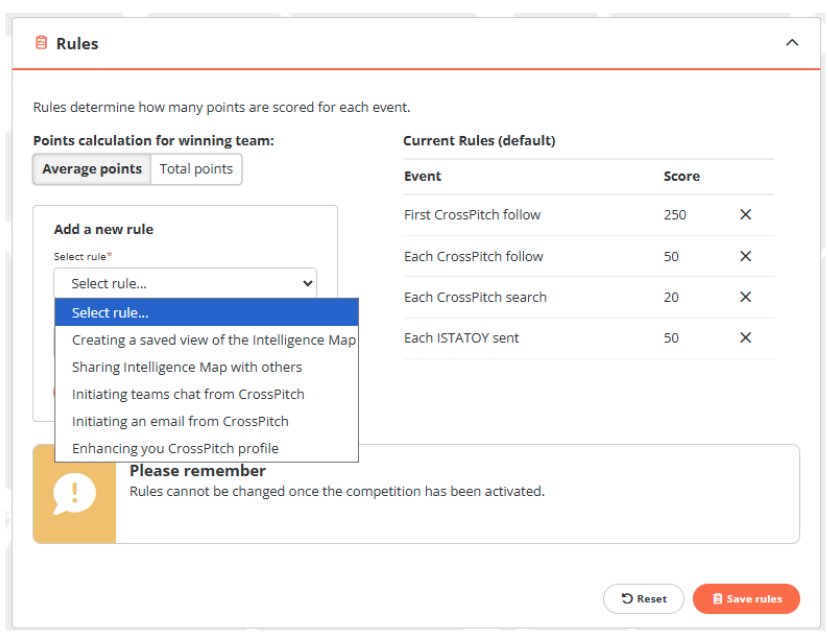
For CrossPitch-only clients, CrossPitch rules can be used on their own. For firms with both Thought Leadership and CrossPitch features enabled, a new toggle lets you decide whether to include CrossPitch rules in the mix.
CrossPitch Data: Configure your own categories
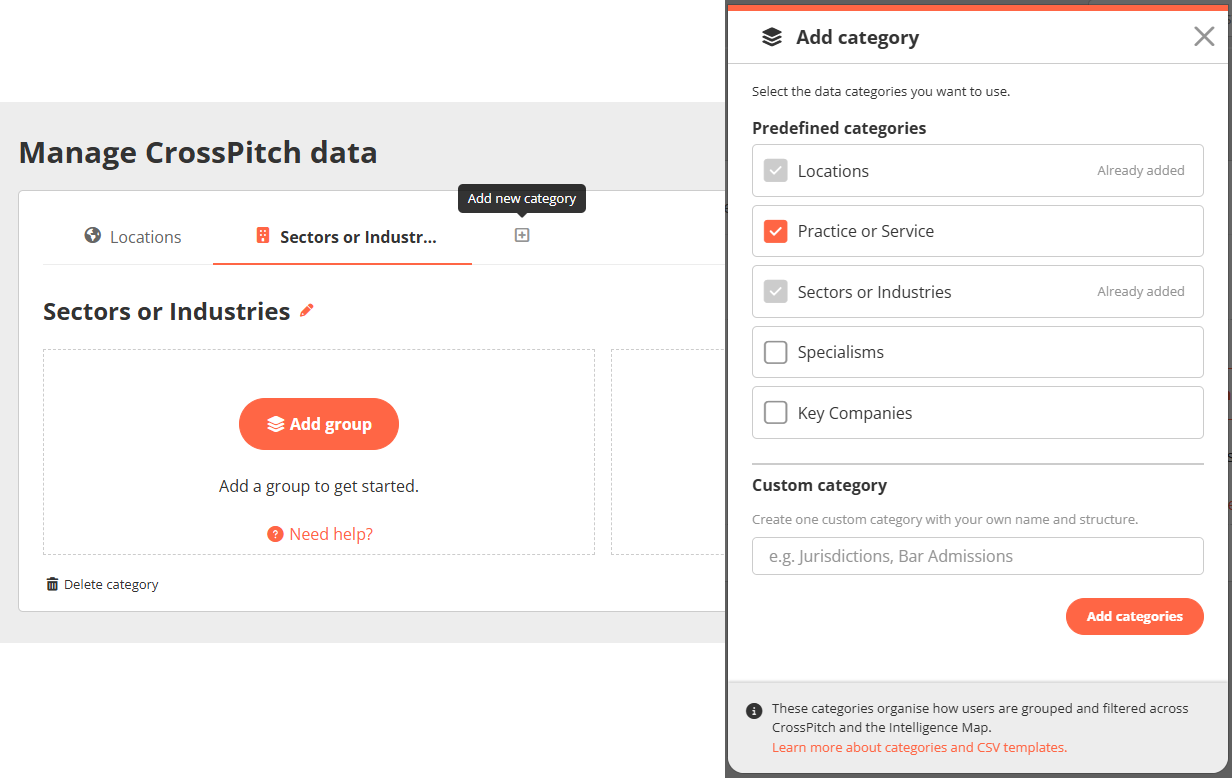
CrossPitch data categories are now fully customisable. Administrators can choose which categories to use, including new pre-defined options, plus one custom category. Any category can be renamed to your firm's terminology with new labels automatically updating throughout CrossPitch.
CrossPitch Intelligence Map: Team-level views
For clients with the CrossPitch Follow Manager enabled, administrators can now filter the Intelligence Map to a specific team (as set up in the Follow Manager). See at a glance who's engaging with CrossPitch, with the option to drill into any individual's activity.
Other key changes in this update, including enhancements or minor tweaks to our existing features
Enhanced Media permissions
Administrators now have per-media-type control (Images, Videos, Audio, PDFs, and Embed) by user role, with three settings per role: Upload, Library only, or No permissions.
Getty Images and Embed media are now managed here too, giving firms more control over their content.
Manage Users: Smarter CSV upload error handling
CSV uploads no longer fail on a single bad row. Row-level errors now surface in a preview table with per-row detail (e.g. Location 'UK' not found in Locations), and administrators can proceed with the valid rows or fix the CSV and re-upload.
If you would like to know more, including full details of the changes above, read our Release Notes: 16 July 2026 - 3.17 (Paloma).
We value your feedback, it helps guide our future updates and ensures Passle keeps meeting your needs. Please feel free to share any ideas or suggestions for new features or improvements with the Product Team.
/Passle/53d0c8edb00e7e0540c9b34b/MediaLibrary/Images/2026-10-14-09-22-13-024-6acf49c5944aac193a981bb9.jpg)
/Passle/53d0c8edb00e7e0540c9b34b/MediaLibrary/Images/2026-10-27-11-04-12-699-6ae0852c821c27f27de73832.png)
/Passle/53d0c8edb00e7e0540c9b34b/MediaLibrary/Images/2026-10-26-12-33-21-580-6adf489140768d6fb37c66a6.jpg)
/Passle/53d0c8edb00e7e0540c9b34b/MediaLibrary/Images/2026-10-22-11-14-29-774-6ad9f015ed262a90b1bf36f6.jpg)
/Passle/53d0c8edb00e7e0540c9b34b/MediaLibrary/Images/2026-10-19-13-24-47-415-6ad61a1fdc6374f637024697.jpg)